
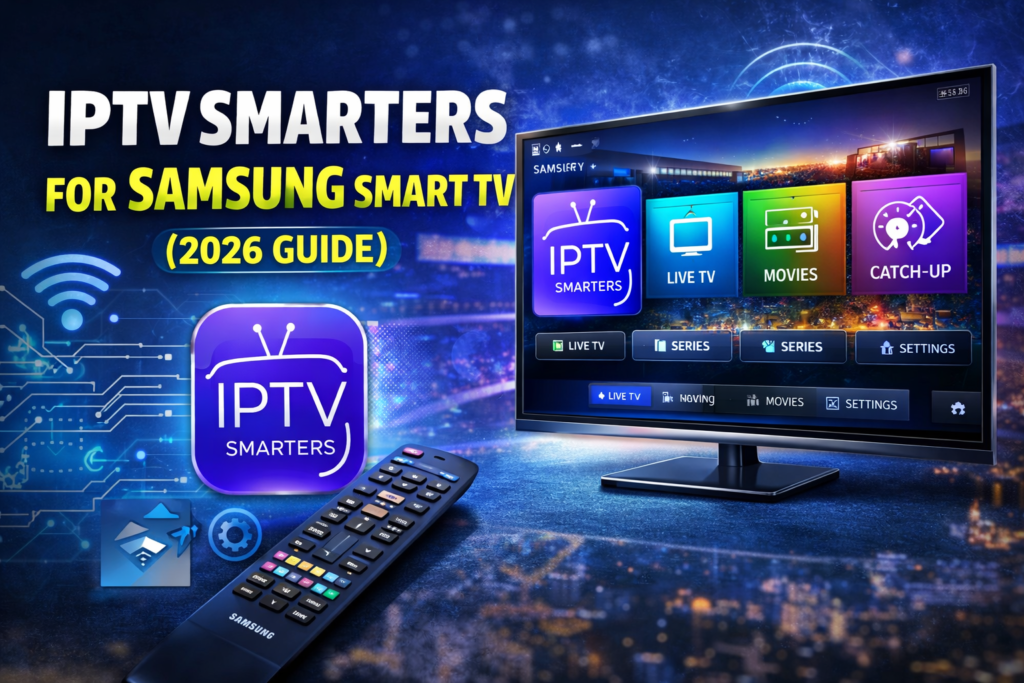
Learn how to install and use IPTV Smarters for Samsung Smart TV. Step-by-step setup, features, compatibility, and troubleshooting guide.
Introduction
Samsung Smart TVs are among the most popular smart televisions in the world, known for their sleek design, high-quality displays, and powerful Tizen operating system. As more users move away from traditional cable and satellite TV, IPTV applications have become a preferred solution for watching live TV, movies, and series through the internet.
One of the most searched IPTV apps today is IPTV Smarters. Many users ask whether IPTV Smarters works on Samsung Smart TV, how to install it, and how to configure it properly.
This complete professional guide explains everything you need to know about IPTV Smarters for Samsung Smart TV. You will learn what IPTV Smarters is, how it works on Samsung TVs, installation methods, setup steps, features, common problems, and best practices for a smooth viewing experience.
What Is IPTV Smarters?
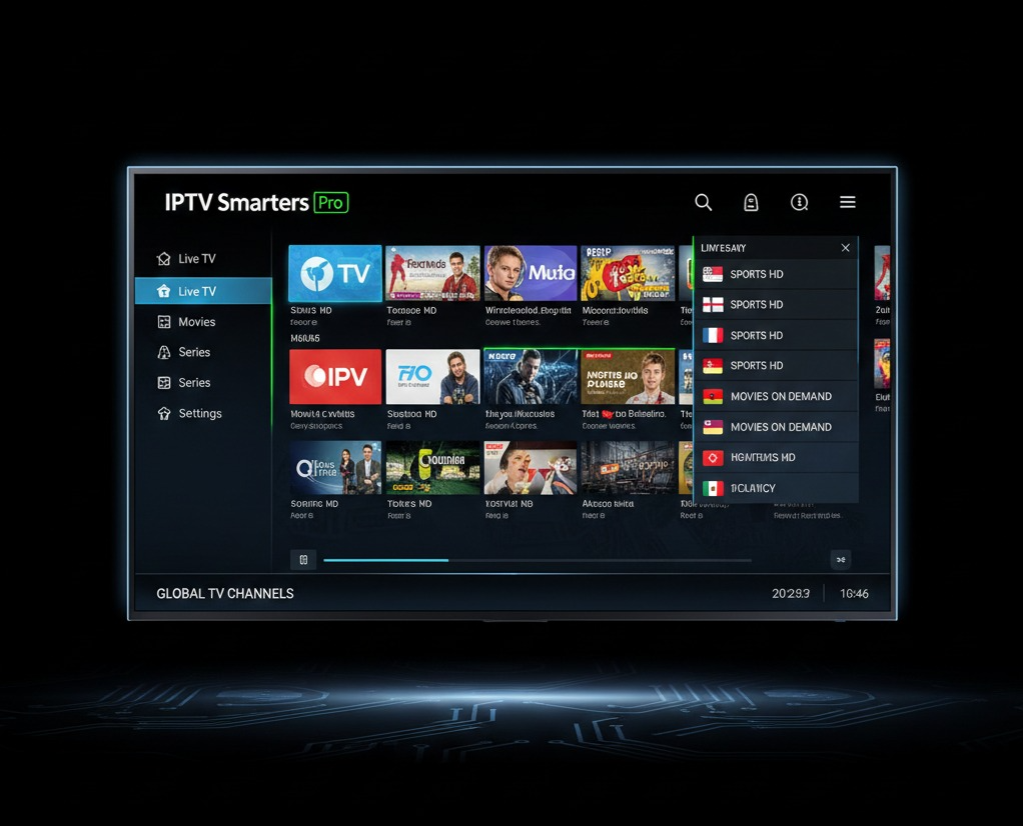
IPTV Smarters is a popular IPTV player application that allows users to stream live TV, video on demand (VOD), series, and catch-up TV using IPTV subscriptions. It does not provide channels by itself but works as a media player that connects to IPTV services using login credentials or playlist files.
Key Characteristics of IPTV Smarters
- Works as a media player, not a content provider
- Requires IPTV subscription or playlist
- Supports live TV, movies, and series
- User-friendly interface
- Multi-device compatibility
IPTV Smarters is widely used on Android devices, iOS, Windows, macOS, and Smart TVs, including Samsung models.
Does IPTV Smarters Work on Samsung Smart TV?
Samsung TV Operating System Explained
Samsung Smart TVs use Tizen OS, which is different from Android TV. Because of this, not all Android IPTV apps are available directly on the Samsung App Store.
IPTV Smarters Compatibility
IPTV Smarters is available for many Samsung Smart TV models, especially:
- Samsung Smart TVs from 2019 and newer
- TVs running Tizen OS 4.0+
Availability may vary depending on:
- TV model
- Region
- App Store policies
If IPTV Smarters is not available in your Samsung App Store, alternative installation methods or similar IPTV apps may be required.
How to Install IPTV Smarters on Samsung Smart TV
Method 1: Install from Samsung App Store (Official)
This is the easiest and safest method.
Steps:
- Turn on your Samsung Smart TV
- Press the Home button on the remote
- Open Apps
- Use the search bar and type IPTV Smarters
- Select the app and click Install
- Open the app once installation is complete
If the app appears in the store, installation takes less than two minutes.

Method 2: Use an Alternative IPTV App
If IPTV Smarters is not available in your region, similar apps include:
- Smart IPTV
- NET IPTV
- Flix IPTV
- IPTV Extreme (limited support)
These apps work similarly but may require playlist uploads through external websites.
How to Set Up IPTV Smarters on Samsung Smart TV
Once IPTV Smarters is installed, setup is simple.
Step 1: Accept Terms and Conditions
When you open the app for the first time, accept the terms to proceed.
Step 2: Choose Login Method
IPTV Smarters supports multiple login methods:
Option 1: Xtream Codes API (Most Common)
You need:
- Username
- Password
- Server URL
Option 2: M3U Playlist URL
You need:
- Playlist URL
- Playlist name
Step 3: Load Content
After entering your details:
- The app will sync channels
- VOD and series will load automatically
- EPG data may take a few minutes
IPTV Smarters Interface Explained
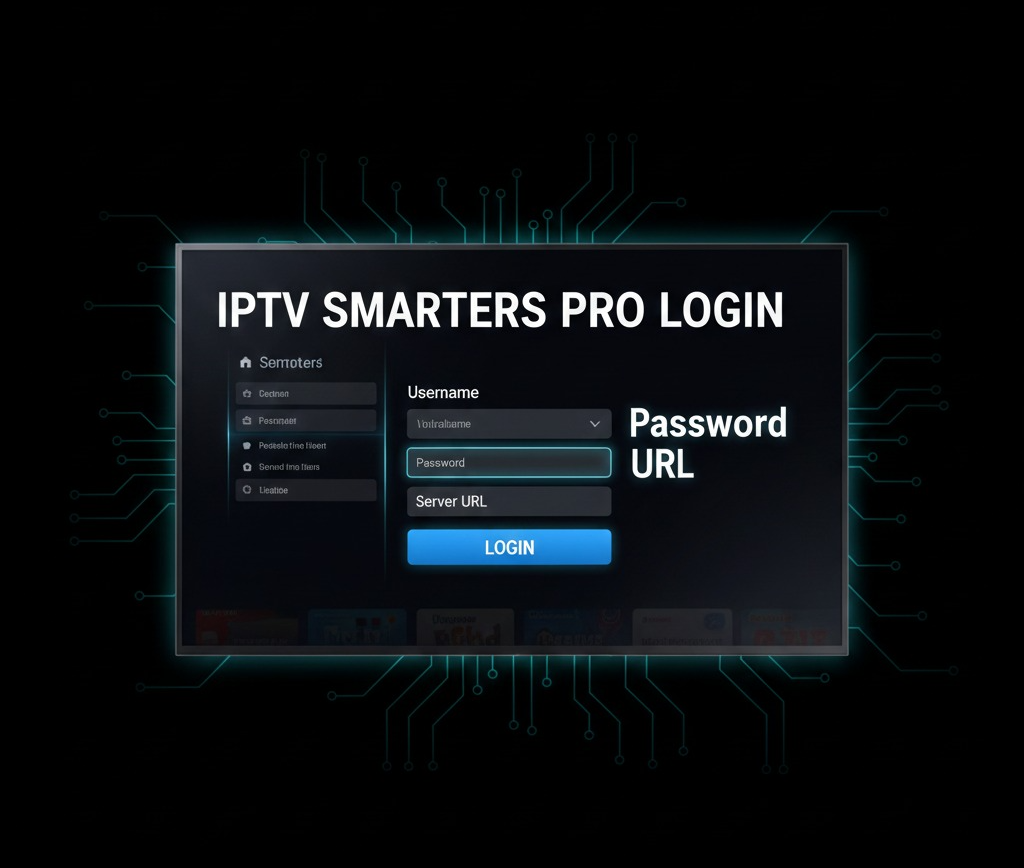
The IPTV Smarters interface is designed for easy navigation using a TV remote.
Main Sections
- Live TV
- Movies (VOD)
- Series
- Catch-Up (if supported)
- Settings
User Experience Features
- Clean layout
- Fast channel switching
- Favorites list
- Search functionality
- Category filters
Key Features of IPTV Smarters on Samsung TV
1. Live TV Streaming
Watch hundreds or thousands of live TV channels depending on your IPTV provider.
2. Video on Demand (VOD)
Access movies and TV shows directly from your IPTV service.
3. Electronic Program Guide (EPG)
View TV schedules and program information.
4. Multi-Screen Support
Supports different screen layouts for advanced users.
5. Parental Controls
Restrict adult or sensitive content.
6. External Player Support
Some versions allow integration with external media players.
Best Samsung Smart TV Models for IPTV Smarters
Although IPTV Smarters works on many models, performance is better on newer TVs.
Recommended Samsung TV Series
- Samsung QLED Series
- Samsung Crystal UHD
- Samsung Neo QLED
- Samsung 4K Smart TVs (2020+)
Performance Tips
- Keep TV firmware updated
- Close background apps
- Use wired Ethernet if possible
Common IPTV Smarters Problems on Samsung TV
App Not Found in Store
- App not available in your region
- Older Samsung TV model
Buffering Issues
- Slow internet connection
- Overloaded IPTV server
- Wi-Fi interference
Login Errors
- Incorrect username or password
- Expired IPTV subscription
- Wrong server URL
EPG Not Loading
- Provider issue
- Time zone mismatch
- Temporary server delay
How to Fix IPTV Smarters Issues
Basic Troubleshooting Steps
- Restart Samsung TV
- Restart router
- Clear app cache (if available)
- Re-enter login credentials
Advanced Fixes
- Update TV firmware
- Use wired internet connection
- Contact IPTV provider support
Is IPTV Smarters Legal on Samsung Smart TV?
Important Clarification
IPTV Smarters itself is 100% legal.
It is only a media player.
What Determines Legality?
- The IPTV service you use
- Content licensing rights
- Local copyright laws
Using illegal IPTV subscriptions may violate laws in some countries. Always choose licensed and legal IPTV providers.
IPTV Smarters vs Other IPTV Apps for Samsung TV
IPTV Smarters Advantages
- User-friendly interface
- Supports Xtream Codes
- Professional layout
- Multi-device use
Limitations
- App availability depends on region
- No built-in channels
- Requires external IPTV service
Security and Privacy Tips
Best Practices
- Do not share login details
- Avoid modified apps
- Keep TV software updated
- Use secure internet networks
VPN Usage
A VPN can:
- Improve privacy
- Protect data on public Wi-Fi
- Avoid ISP throttling
Frequently Asked Questions (FAQ)
Can I install IPTV Smarters on all Samsung TVs?
Only on compatible Smart TV models with supported Tizen OS versions.
Does IPTV Smarters provide free channels?
No, it only works as a player.
Can I use one IPTV account on multiple devices?
That depends on your IPTV provider.
Is IPTV Smarters better than Smart IPTV?
IPTV Smarters offers a more modern interface and better navigation.
Future of IPTV Smarters on Samsung Smart TVs
As smart TV technology evolves, IPTV apps like IPTV Smarters continue to improve. Future updates may include:
- Better EPG integration
- Faster performance
- Improved UI for TV remotes
- More regional support
Samsung Smart TVs remain one of the best platforms for IPTV streaming.
Conclusion
IPTV Smarters for Samsung Smart TV is an excellent solution for users who want a modern, flexible, and powerful IPTV viewing experience. With proper installation, reliable internet, and a legal IPTV subscription, you can enjoy live TV, movies, and series directly on your Samsung television.
This guide gives you everything you need to set up IPTV Smarters correctly and use it with confidence.

3 Responses