
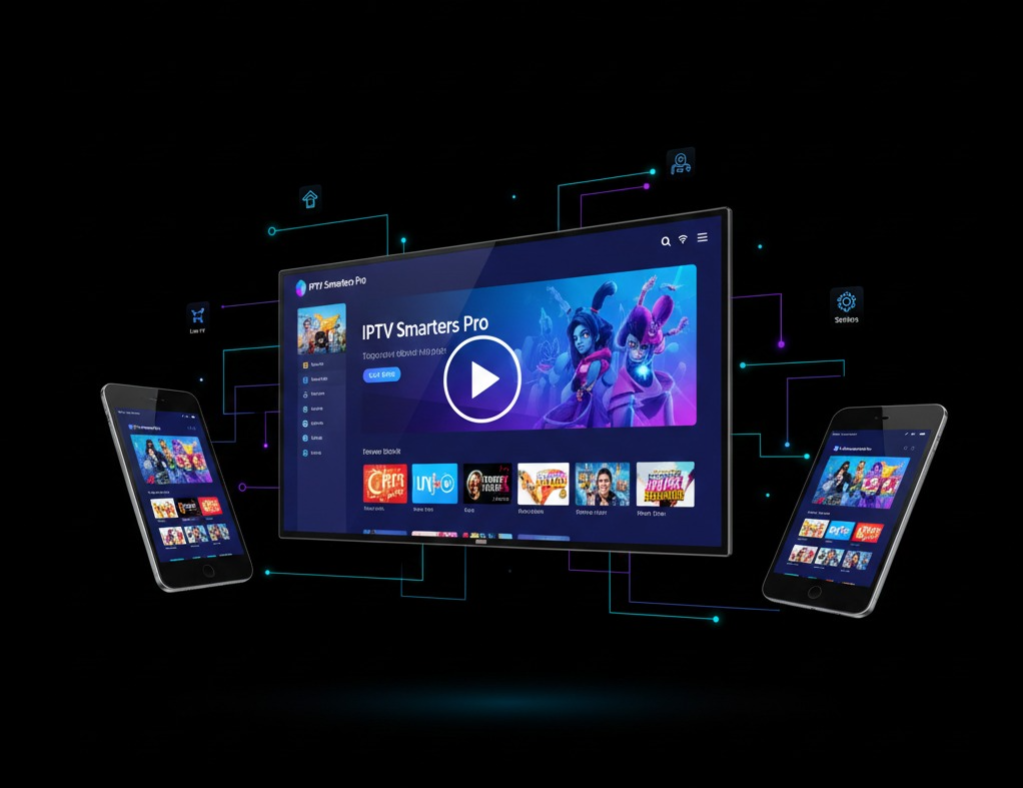
Discover IPTV Smarters Pro: features, setup, and tips for seamless streaming. Unlock premium TV, movies, and live channels today.
Introduction
IPTV Smarters Pro has become one of the most popular streaming apps worldwide, offering users a convenient way to watch live TV, movies, and series on multiple devices. Whether you’re a tech enthusiast, cord-cutter, or entertainment lover, this guide will cover everything you need to know, from installation to advanced features.
1. What is IPTV Smarters Pro?
IPTV Smarters Pro is an advanced media player designed for streaming IPTV content. Unlike traditional cable or satellite TV, it allows you to stream television over the internet. Users can access live TV channels, video-on-demand (VOD) content, and series from anywhere in the world.
Key points:
- Works with M3U playlists
- Supports Xtream Codes API
- Available for Android, iOS, Smart TVs, and PCs
The app provides a user-friendly interface, allowing even beginners to navigate seamlessly.
2. Key Features
IPTV Smarters Pro stands out due to its extensive range of features:
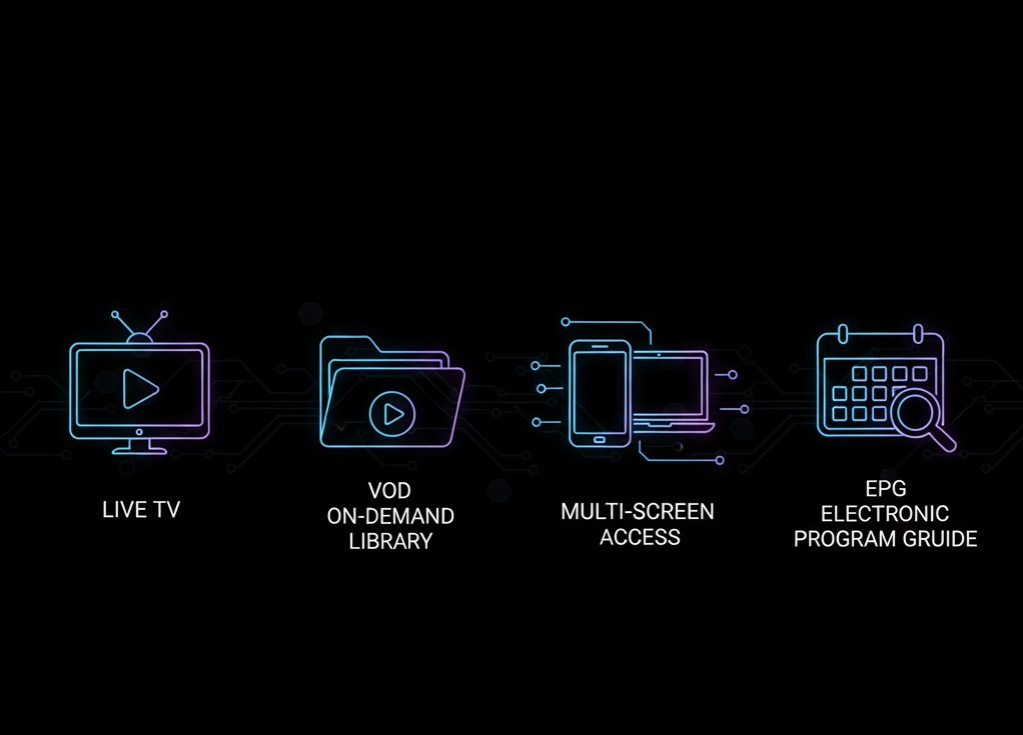
2.1 Live TV Streaming
Watch thousands of live channels worldwide, including news, sports, and entertainment.
2.2 Video-on-Demand (VOD)
Access a library of movies and TV shows with categorized genres for easy browsing.
2.3 Multi-Screen Support
Stream on multiple devices simultaneously, perfect for families or shared accounts.
2.4 Parental Control
Restrict certain channels or content to ensure safe viewing for children.
2.5 EPG (Electronic Program Guide)
Plan your viewing schedule using the built-in EPG feature.
2.6 Catch-Up TV
Never miss your favorite show; rewind or watch previously aired programs.
2.7 Multiple Languages and Subtitles
Supports audio in various languages and subtitle options for an enhanced viewing experience.
3. How IPTV Smarters Pro Works
IPTV Smarters Pro requires an IPTV subscription from a provider. Users input their login credentials or M3U playlist into the app, which then streams the channels over the internet.
The app acts as a media player, decoding the streams and displaying them in a neat interface. Unlike free streaming apps, IPTV Smarters Pro is legal when used with legitimate providers.
4. Supported Devices
IPTV Smarters Pro is compatible with a wide range of devices:
- Android smartphones and tablets
- iOS devices (iPhone, iPad, Apple TV)
- Windows and Mac computers
- Smart TVs (Samsung, LG, Android TV)
- Amazon Firestick & Fire TV
- Mag Boxes
This flexibility makes it one of the most versatile IPTV apps on the market.

5. Installation Guide
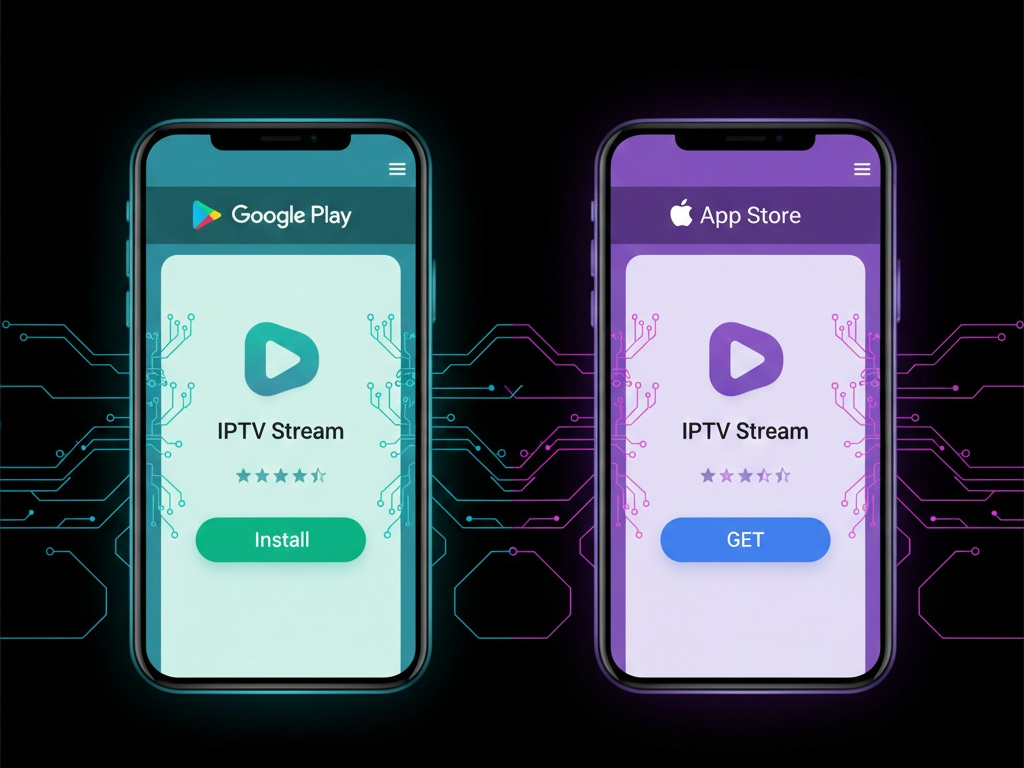
5.1 On Android Devices
- Go to the Google Play Store.
- Search for “IPTV Smarters Pro.”
- Install and open the app.
5.2 On iOS Devices
- Visit the App Store.
- Search for “IPTV Smarters Pro.”
- Download and launch the app.
5.3 On Smart TVs and Firestick
- Use the device’s app store or sideload the APK for Android-based devices.
6. Setting Up Your IPTV Service
- Open IPTV Smarters Pro.
- Click “Add New User.”
- Choose either Load Your Playlist or Xtream Codes API.
- Enter your username, password, and server URL (provided by your IPTV provider).
- Click “Add User” to load your channels.
Your channels, VOD, and series should now appear in the main interface.
7. Best Practices for Smooth Streaming
7.1 Use a Stable Internet Connection
A minimum of 10 Mbps is recommended for HD streaming.
7.2 Update the App Regularly
Keep IPTV Smarters Pro updated to access the latest features and bug fixes.
7.3 Use a VPN for Security
A VPN ensures privacy and prevents ISP throttling, especially when streaming international content.
7.4 Optimize Device Performance
Close unnecessary apps and clear cache for smoother playback.
8. Troubleshooting Common Issues
8.1 Buffering Problems
- Check your internet speed.
- Reduce stream quality temporarily.
8.2 Login Failures
- Verify your IPTV provider credentials.
- Ensure your subscription is active.
8.3 Missing Channels
- Refresh your playlist.
- Contact your IPTV provider if issues persist.
9. Safety and Legality
While IPTV Smarters Pro itself is legal, the content streamed through it may not always be licensed. Always choose official IPTV providers to avoid copyright issues. Avoid free IPTV sources with pirated content, as these can risk fines or malware.
10. Alternatives to IPTV Smarters Pro
Some alternatives include:
- GSE Smart IPTV
- TiviMate
- Perfect Player IPTV
- XCIPTV Player
Each has unique features, but IPTV Smarters Pro remains popular due to its ease of use and multi-platform support.
11. Frequently Asked Questions
Q1: Can I record shows on IPTV Smarters Pro?
Yes, with a DVR-enabled IPTV service.
Q2: Is it free?
The app itself is free, but you need a paid IPTV subscription for premium content.
Q3: Can I watch in HD or 4K?
Yes, depending on your IPTV provider and internet speed.
Q4: Does it support subtitles?
Yes, subtitles are available for many VOD and live streams.
Conclusion
IPTV Smarters Pro is an all-in-one streaming solution, ideal for users looking to replace traditional cable with flexible internet-based TV. Its features, cross-platform support, and ease of use make it a top choice for live TV, movies, and series. By following this guide, you can set up IPTV Smarters Pro, optimize your experience, and enjoy uninterrupted streaming safely and legally.