Discover IPTV Smart Player features, setup steps, compatibility, and best practices. Learn how to use IPTV Smart Player on any device easily.
Introduction
Internet-based television has completely changed the way people consume media. Traditional cable and satellite TV are being replaced by IPTV solutions that offer flexibility, affordability, and global access. One of the most popular tools used to access IPTV services today is IPTV Smart Player.
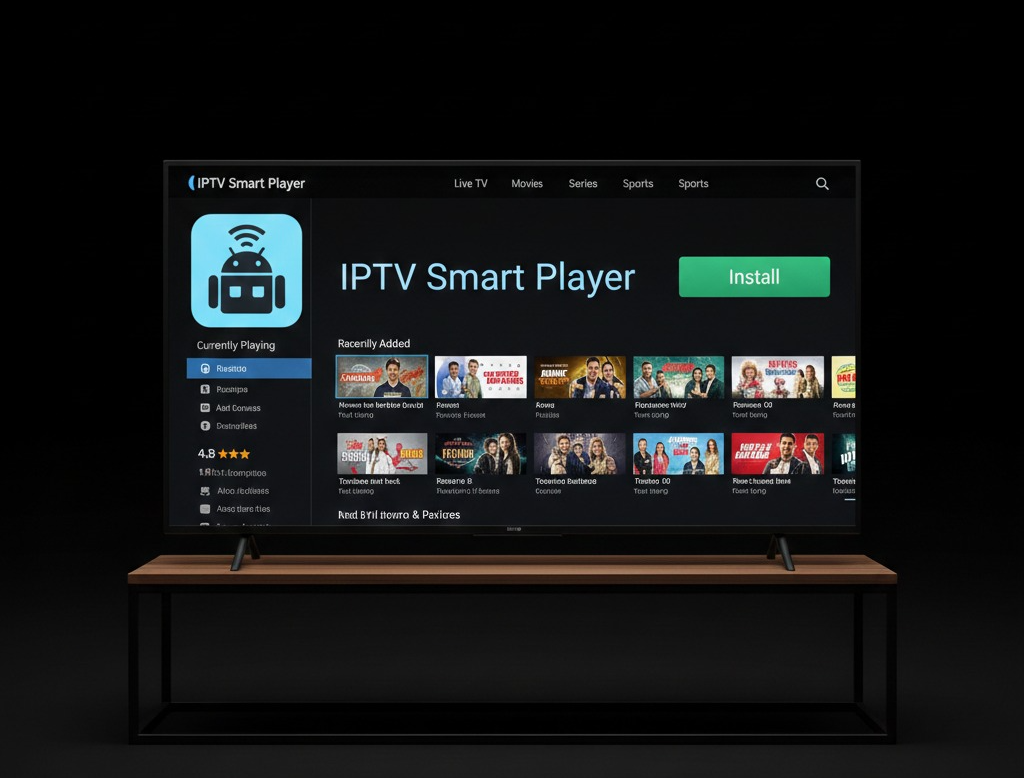
An IPTV Smart Player is a modern IPTV application designed to stream live TV channels, movies, series, and on-demand content using IPTV playlists or server credentials. It is widely used on Smart TVs, Android devices, computers, and streaming boxes.
This professional and detailed guide explains everything you need to know about IPTV Smart Player. You will learn what it is, how it works, supported devices, setup instructions, features, advantages, limitations, and best practices for optimal performance.
What Is IPTV Smart Player?
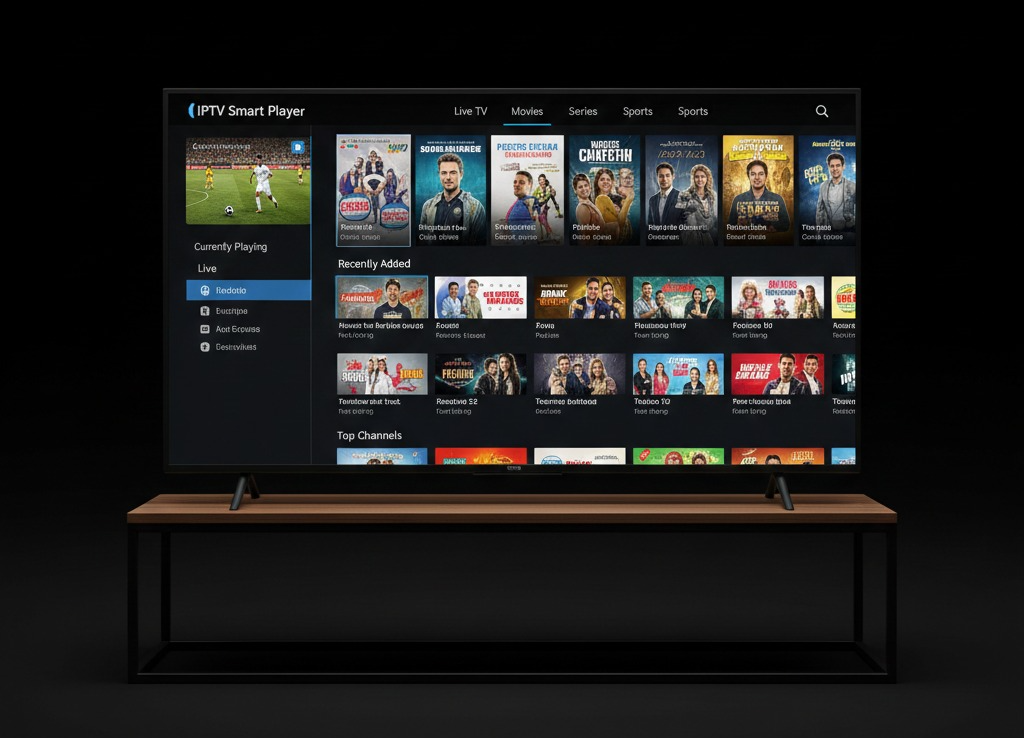
IPTV Smart Player is a media player application that allows users to stream IPTV content using internet connections instead of traditional broadcast signals. It does not include TV channels by default but works as a player that connects to IPTV services using playlists or login credentials.
Key Characteristics
- IPTV player, not a content provider
- Supports live TV, VOD, and series
- Compatible with multiple platforms
- Simple and modern user interface
- Designed for Smart TVs and mobile devices
IPTV Smart Player is ideal for users who already have an IPTV service and need a reliable app to access it.
How IPTV Smart Player Works
IPTV Smart Player functions as an interface between the user and the IPTV content source.
Basic Workflow
- User installs IPTV Smart Player
- IPTV credentials or playlist are added
- The app loads channel lists and media content
- Streams are delivered via the internet
- User watches content on their device
The player organizes channels into categories and allows easy navigation using a remote control or touchscreen.

Supported Devices and Platforms
One of the biggest advantages of IPTV Smart Player is its wide compatibility.
Supported Platforms
- Android Smart TVs
- Samsung Smart TVs (Tizen OS)
- LG Smart TVs (webOS)
- Android phones and tablets
- Amazon Fire TV / Fire Stick
- Windows and macOS computers
Availability may vary depending on region and app store policies
IPTV Smart Player Installation Guide
Install on Smart TV
Samsung Smart TV
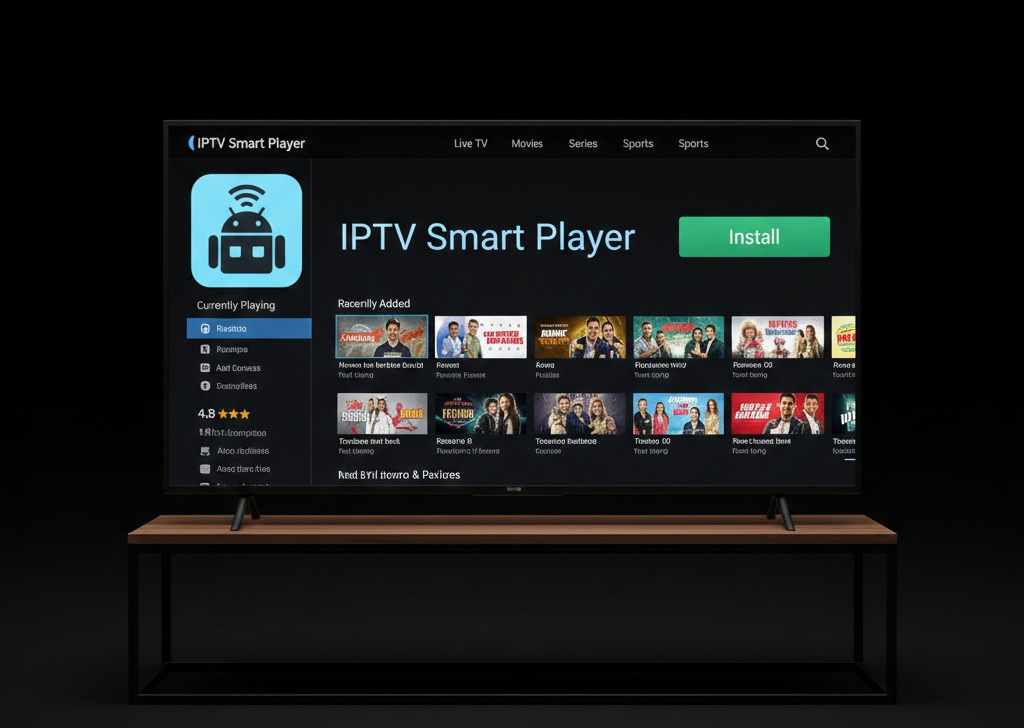
- Open Samsung App Store
- Search for IPTV Smart Player
- Click Install
- Launch the app
LG Smart TV
- Open LG Content Store
- Search IPTV Smart Player
- Install and open the app
Install on Android Devices
- Open Google Play Store
- Search IPTV Smart Player
- Install the app
- Open and configure
Install on Fire Stick
- Enable “Apps from Unknown Sources”
- Install Downloader app
- Download IPTV Smart Player APK
- Install and launch
How to Set Up IPTV Smart Player
Step 1: Launch the App
Open IPTV Smart Player after installation.
Step 2: Choose Login Method
Most versions support:
- M3U Playlist URL
- Xtream Codes API
- Local playlist file
Step 3: Enter IPTV Details
Input:
- Playlist URL or server address
- Username and password (if required)
- Playlist name
Step 4: Load Content
The app will synchronize:
- Live TV channels
- Movies and series
- EPG data (if available)
IPTV Smart Player Features
Live TV Streaming
Stream live television channels in real time.
Video on Demand (VOD)
Access movies and TV series provided by your IPTV service.
Electronic Program Guide (EPG)
View program schedules and show information.
Favorites Management
Save favorite channels for quick access.
Multi-Format Support
Supports various streaming formats and resolutions.
Parental Control
Restrict access to adult or sensitive content.
User Interface and Navigation
The IPTV Smart Player interface is optimized for ease of use.
UI Highlights
- Category-based navigation
- Remote-control friendly design
- Fast channel switching
- Search and filter options
The clean layout makes it suitable for both beginners and advanced users.
Internet and Performance Requirements
Recommended Internet Speeds
- SD: 5 Mbps
- HD: 10 Mbps
- Full HD / 4K: 20+ Mbps
Best Connection Type
- Wired Ethernet (best)
- 5 GHz Wi-Fi (recommended)
A stable connection is more important than raw speed.
Common IPTV Smart Player Issues
App Not Loading
- Device compatibility issue
- Outdated app version
Buffering or Freezing
- Slow internet
- Overloaded IPTV server
- Wi-Fi interference
Playlist Not Working
- Expired subscription
- Incorrect URL
- Server downtime
How to Fix IPTV Smart Player Problems
Basic Troubleshooting
- Restart device
- Restart router
- Re-enter playlist details
- Update the app
Advanced Solutions
- Use wired internet
- Change streaming format
- Contact IPTV provider
Is IPTV Smart Player Legal?
Important Clarification
IPTV Smart Player is legal software.
What Matters Is the Content
Legality depends on:
- IPTV provider
- Content licensing
- Local copyright laws
Always use IPTV services that have proper distribution rights.
IPTV Smart Player vs Other IPTV Apps
Advantages
- Simple interface
- Multi-device compatibility
- Playlist flexibility
- Lightweight performance
Limitations
- No built-in channels
- Depends on IPTV provider quality
- Limited advanced customizati
Security and Privacy Tips
Best Practices
- Avoid unofficial modified apps
- Do not share credentials
- Keep apps updated
- Use secure networks
VPN Usage
A VPN can:
- Improve privacy
- Reduce ISP throttling
- Protect data on public Wi-Fi
Frequently Asked Questions (FAQ)
Does IPTV Smart Player include channels?
No, it only plays IPTV content provided by a service.
Can I use IPTV Smart Player for free?
The app may be free, but IPTV services usually require a subscription.
Is IPTV Smart Player good for Smart TVs?
Yes, it is optimized for remote control navigation.
Can I use one playlist on multiple devices?
That depends on your IPTV provider.
Future of IPTV Smart Players
IPTV players are continuously evolving. Future updates may include:
- Faster loading times
- Improved EPG support
- Better UI customization
- Enhanced security features
IPTV Smart Player remains a reliable choice for IPTV streaming across devices.
Conclusion
IPTV Smart Player is a powerful and user-friendly IPTV application designed to deliver live TV, movies, and series across multiple devices. When paired with a reliable and legal IPTV service, it provides an excellent alternative to traditional television.
With proper setup, stable internet, and best practices, IPTV Smart Player offers a smooth and enjoyable IPTV experience suitable for beginners and advanced users alike.
One Response